Komp

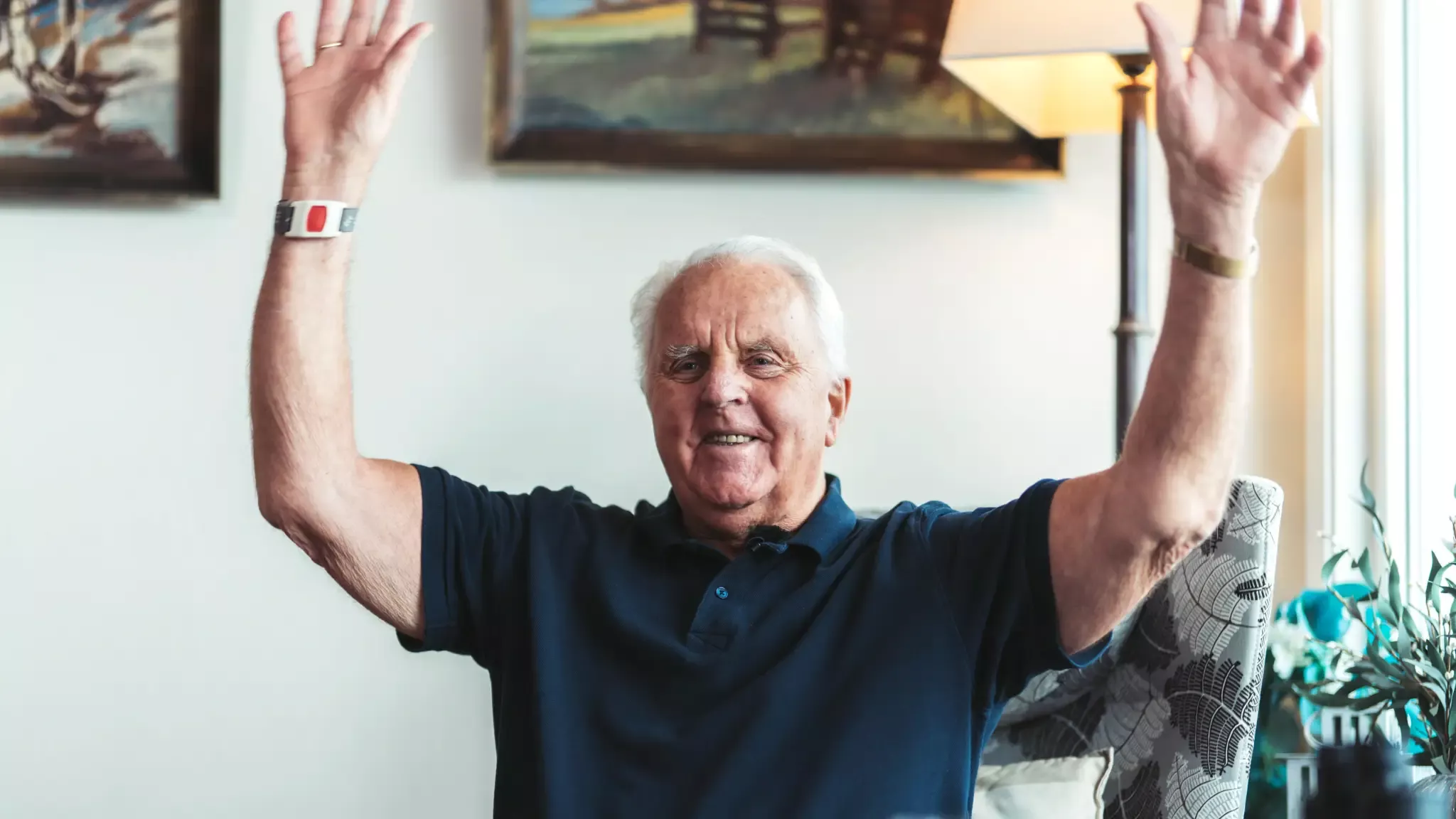
“The best Christmas present I’ve ever received”

-Hans Jørgen (91)
Komp

“The best Christmas present I’ve ever received”

-Hans Jørgen (91)

“A revolution for our family.”

A few years ago, Hans Jørgen’s family decided to give him something truly special for Christmas – a Komp. His daughter Kristin was the one who came up with the idea, and the family chipped in together to buy a screen that would turn out to mean more than they could ever have imagined.

Komp – more than just a Christmas gift

“We’ve become much closer because we have so much more to talk about. It’s easier to talk about something he’s seen pictures of. For example, if I casually say, ‘Remember that birthday party I went to?’ he immediately knows what I’m talking about. Because in a way, he was there too.”

“With Komp, you really can’t go wrong.”

Many older people miss out on the little and big moments in their families’ everyday lives because smartphones and tablets aren’t suitable for everyone. But it doesn’t have to be that way.

“That’s where Komp stands out. It’s incredibly simple to use. And that’s exactly why my father can use it.”

One button only (on/off/volume)

One button only (on/off/volume)
Komp has only one button. With it you can easily turn it on and off and adjust the volume.

Video calls are answered automatically

Video calls are answered automatically
It rings for 10 seconds before the video call starts automatically. If you don’t want to answer, you can simply turn the button.

Images rotates on the screen

Images rotates on the screen
Photos sent by the family will automatically appear on the screen and scroll throughout the day. The family decides how long they will be displayed.

The family is connected via Komp app

The family is connected via Komp app
The family manages Komp through a mobile app. In the app, they can, among other things, send photos, make video calls, and control what is displayed on the screen.
Komp is connected to an app on the phones of the user’s friends and family. Through the app, family members can share photos, send messages, and start video calls. For the person using Komp, everything happens automatically – they don’t have to do a thing.

The heart of the family

Now approaching 91, Hans Jørgen is the one who knows more about what’s going on in the extended family than anyone else, Kristin explains. Having Komp in his life has made a huge difference.

Hans Jørgen believes Komp is something every older person should have:

“It should be something that’s offered to all older people who live alone.”

Stories from families who use Komp

Fantastic and easy to use

“If I could give more stars, I would. Komp was exactly what we needed to stay in touch with mom and keep her updated on us through video calls, messages, reminders and photos of daily events, grandchildren and great-grandchildren.”

Komp brings immense joy

“The best gift we ever gave my parents. Bought it just before the pandemic. Suddenly they got to take part in all days, celebrations and weekdays even though my family lives scattered. Now my mother is alone and many times a day she looks at the pictures and through Komp she got to see her newborn twin great-grandchildren in real. With Komp she has the whole family right in her living room.”

Komp is a great invention

“Komp is a great invention, and a very good way to keep in touch with someone you can’t be present with. Lost contact with the machine and contacted help on the internet. There we solved the problem immediately, so now I’m up and running again. Good skin and good service.”

Who is Komp for?

  • People with little or no experience using technology
  • Older adults who live alone
  • People living in care homes
  • People with dementia or cognitive difficulties
  • Families looking for an easy way to stay in touch
  • People with impaired vision or hearing
  • People with limited mobility or motor skills
  • People whose families live far away

“I feel so much less lonely. I get to be part of my family’s everyday life. And that means everything.”

An easier way to include older loved ones in everyday life

  • Seeing each other through video calls creates a sense of closeness and reassurance
  • Conversations become more meaningful when everyone is up to date on each other’s lives
  • An easy way to see and talk to loved ones – no matter the distance
  • Makes it easy to send reminders about medication and appointments
  • A digital gathering place that brings the whole family together

Over 19 million moments shared on Komp

90-day money-back guarantee – Free shipping – 5-year warranty

Frequently asked questions

Can you have Komp in nursing homes?

Yes, many of our Komp users live in nursing homes.

How does Komp work for those with dementia?

Komp is specifically designed to be used by everyone, regardless of cognitive abilities or prior technical knowledge, and can be safely used by everyone. Many family members find that Komp is a useful tool for keeping in touch and supporting those suffering from dementia. Read more about howhere.

How much does Komp cost?
Komp costs £599 plus a subscription of £19 per month. The subscription is mandatory and includes unlimited 4G and premium features in the Komp app – making it easy for the whole family to stay in touch with the person using Komp.
Do you need WiFi to use Komp?

Komp has built-in 4G and does not need WiFi.

Can you call out from Komp?

No, Komp is designed to be as user-friendly as possible and requires minimal technical expertise or prior knowledge.

How does your 90-day open purchase work?

We understand that it is not always easy to know in advance whether Komp is right for you and your family. That’s why we offer a 90-day open purchase. Should you experience that Komp doesn’t fit, you can easily return it. All you have to do is contact our customer service at support@komp.family – we’ll arrange the return shipping free of charge. No hidden costs or complicated terms, just a simple and safe way to test Komp at ease.

How does Komp work for people with hearing loss?

Komp offers excellent audio quality, and the volume can be adjusted by turning the knob. You can also connect a hearing aid via the USB port. Seeing the faces of the people you’re talking to often helps individuals with hearing impairment.

How does Komp work for people with visual impairments?

Komp was developed for users with impaired vision, therefore, Komp a large 15.6-inch screen with good resolution and contrast between text and background. We have had users with up to 80% vision impairment use it Komp.

Can Komp be used worldwide?

As long as you have access to Wi-Fi, you can use Komp all over the world. However, 4G only works within the EU. The buyer is responsible for shipping outside the EU.

Can everyone in the family see the photos I send to Komp?

In the Komp-app you can choose whether you want to share photos with your family or just the person who has Komp.

Why Komp is easy to use

  • Plugs directly into a power outlet – no batteries to charge
  • No touchscreen, menus, or passwords to remember
  • Just one large button: on/off and volume control
  • Video calls are answered automatically
  • Family members manage Komp
  • Built-in 4G (WiFi also supported)
  • Family members can set Komp to sleep mode at night

90-day money-back guarantee

It’s not always easy to know in advance. Try Komp for 90 days, and if it’s not right for you and your family, return it for free and get your money back.